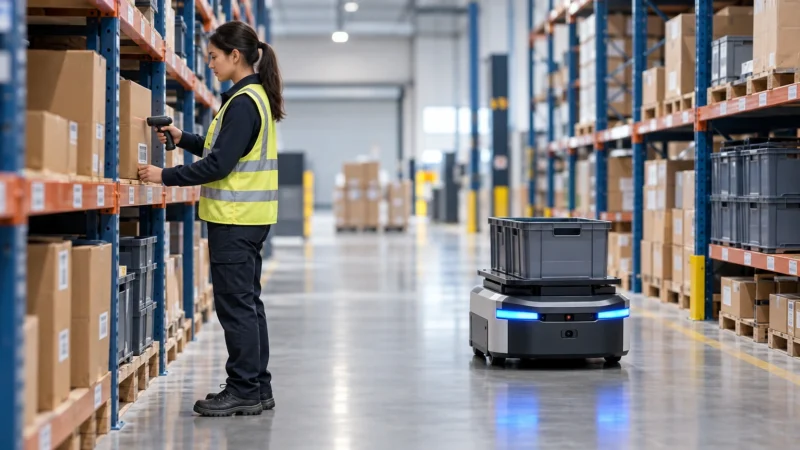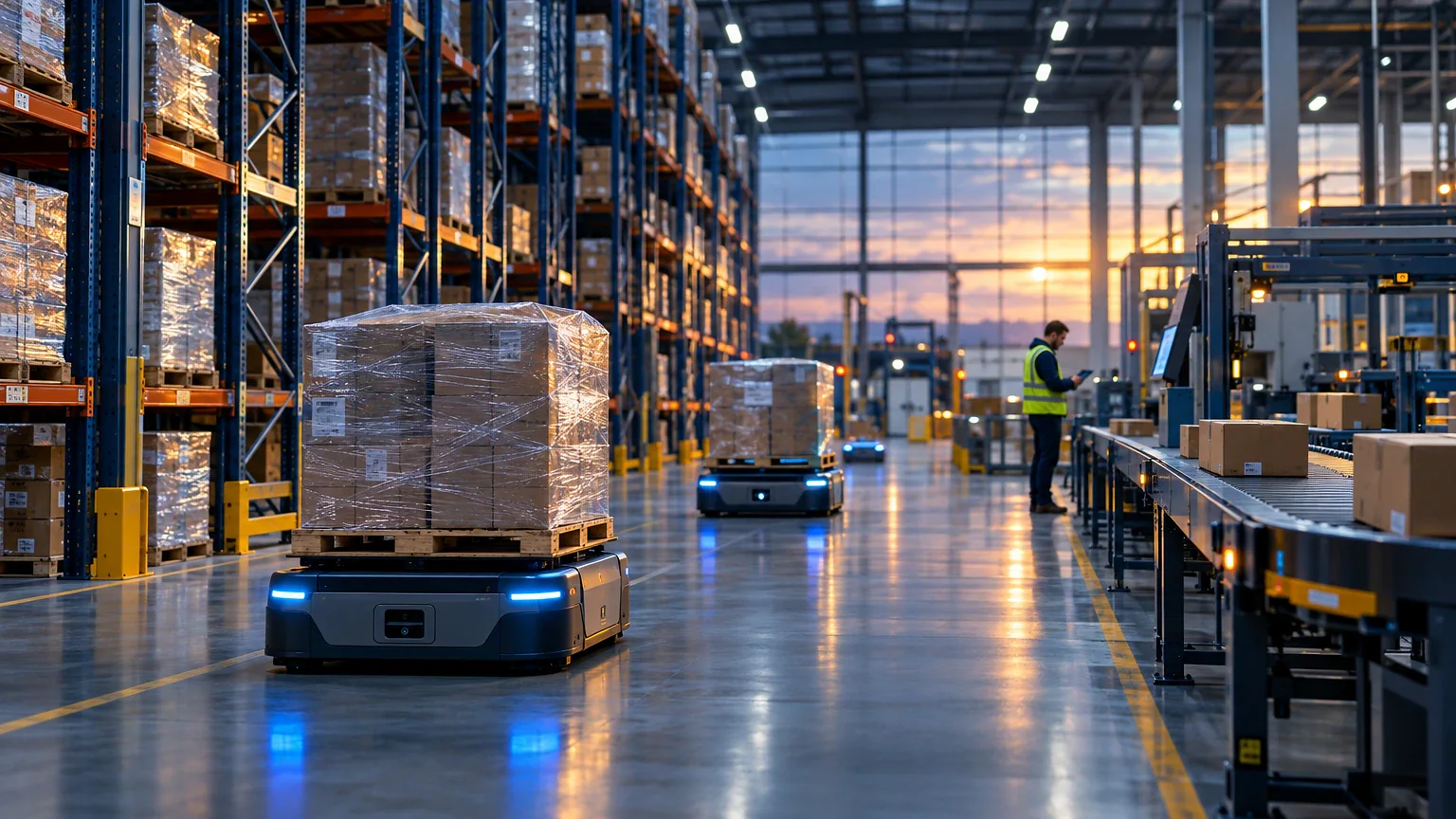
Does automating your warehouse actually save money, or is that mostly vendor talk? It depends entirely on your order volume and SKU mix. Below a certain throughput, warehouse automation solutions add cost without adding speed.
This guide breaks down which warehouse automation solutions fit which operations, what they cost, and where the payoff is real versus theoretical. You’ll get equipment capacities, software pricing, and the honest tradeoffs ops managers run into.
What Warehouse Automation Solutions Actually Mean
Warehouse automation solutions cover any system that replaces manual labor or manual decision-making in receiving, storage, picking, or shipping. That’s a wide net, and vendors stretch it further than it should go.
Definition: Warehouse automation is the use of software, machinery, or robotics to perform tasks like inventory tracking, order picking, sorting, and material movement with reduced human intervention.
The underlying equipment has its own categories. Our guide to warehouse automation systems covers conveyors, AS/RS and mobile robots in turn. Match the system to your order profile rather than your floor area.
It splits into three tiers. Software automation covers your WMS and routing logic. Mechanical automation covers conveyors, sortation, and AS/RS (automated storage and retrieval systems). Robotic automation covers AMRs (autonomous mobile robots), ASRS shuttles, and pick-assist arms.
A 40,000 square foot facility running 2,000 orders a day sits in a different category than a 400,000 square foot DC pushing 50,000 orders. The first needs a strong WMS and maybe a pick-to-light setup. The second needs goods-to-person robotics or it’ll never hit its labor targets.
Software That Runs the Floor
Your WMS is the brain. Everything else, conveyors, robots, scanners, takes orders from it. Get this layer wrong and the hardware underneath never performs to spec.
Manhattan Associates and Körber dominate enterprise accounts with deep slotting logic and labor management built in. Both are quote-based, typically landing in six figures annually once you include implementation. NetSuite WMS and Fishbowl serve mid-market operations, with Fishbowl’s on-premise license starting around $4,395 one-time plus hosting. ShipHero and Extensiv target 3PLs and ecommerce fulfillment, priced per-order or per-user on monthly plans.
Here’s how the main contenders stack up on what actually matters day to day.
| Platform | Best for | Pricing model | Standout feature |
|---|---|---|---|
| Manhattan Associates | Large multi-site DCs | Quote-based, enterprise | Labor management + slotting AI |
| Körber WMS | High-complexity 3PL/retail | Quote-based, enterprise | Modular, scales with robotics |
| NetSuite WMS | Mid-market, ERP-tied | Subscription per user | Native ERP integration |
| ShipHero | Ecommerce fulfillment | Per-order or flat monthly | Built-in 3PL billing tools |
| Fishbowl | Small-to-mid warehouses | One-time license + hosting | Low upfront cost |
A 99.5% inventory accuracy rate is the realistic ceiling for a well-run WMS with cycle counting. Anything claiming 99.9%+ out of the box is marketing, not reality. You get there through daily cycle counts on A-movers and weekly counts on the rest, not a software switch flip.
Picking and Sortation Equipment Guide
Picking is usually 50-60% of total labor cost in a distribution center, according to MHI’s industry benchmarking work. That’s why most automation budgets start here.
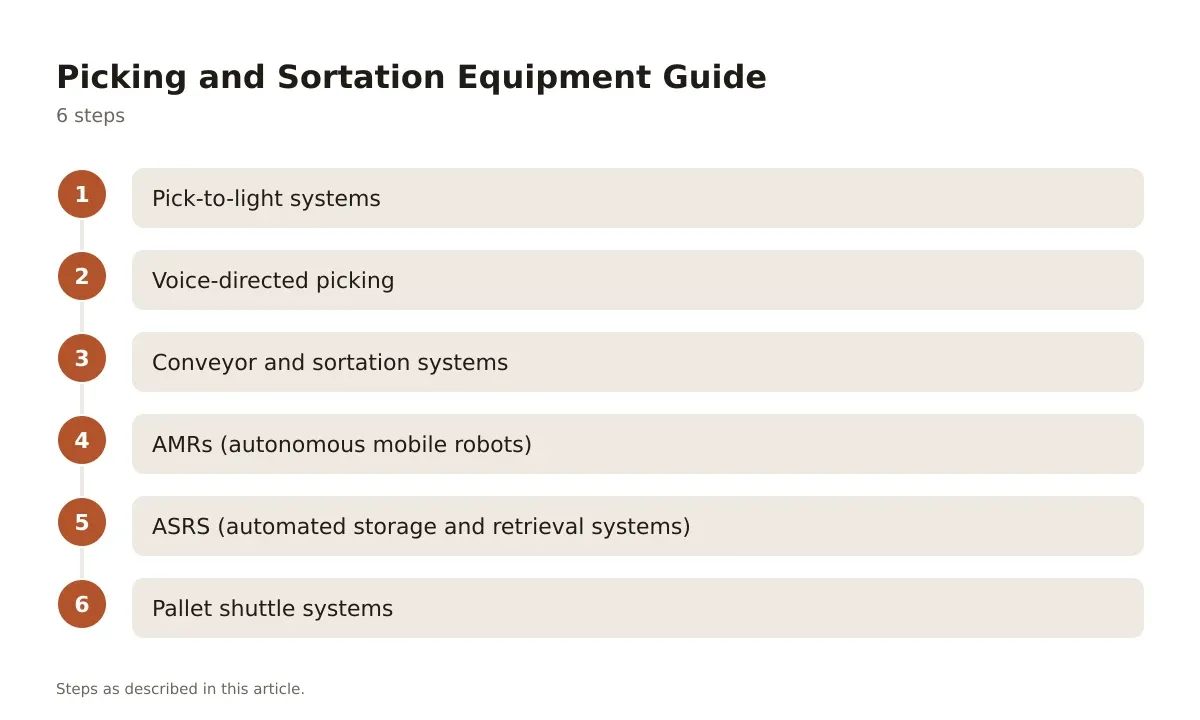
- Pick-to-light systems – Lights mounted on shelving guide pickers to exact slots. Good for high-SKU, high-velocity zones. Expect pick rates of 150-300 lines per hour per picker, roughly double unaided picking. Choose this when your SKU count is high but item size is small to medium.
- Voice-directed picking – Headset-based, hands-free instructions replace paper lists or RF scanners. Typical accuracy gains push error rates below 0.1% per pick. Best for mixed-case picking where workers need both hands free.
- Conveyor and sortation systems – Belt, roller, or tilt-tray conveyors move cartons to zones or docks automatically. Tilt-tray sorters handle 10,000-20,000 items per hour at large scale. Choose this when you’re consolidating orders across multiple zones before shipping.
- AMRs (autonomous mobile robots) – Robots like those from Locus Robotics or 6 River Systems bring product to the picker instead of the reverse. Cuts walk time, which is often 50% of a picker’s shift. Best fit for order profiles with high line counts and moderate SKU velocity.
- ASRS (automated storage and retrieval systems) – Cranes or shuttles store and retrieve totes or pallets from dense racking, sometimes 30+ feet tall. Throughput runs 400-600 totes per hour per aisle depending on configuration. Choose this when floor space is tight and SKU density is high.
- Pallet shuttle systems – Motorized shuttles run inside deep racking lanes, storing pallets without a forklift entering the lane. Useful for high-density cold storage or bulk SKUs with low pick frequency.
Don’t buy equipment number 4 or 5 before fixing your slotting. Robots moving to badly placed inventory just automate the waste.
Storage and Racking Load Capacities
Racking rarely gets the attention software does, but a mis-rated rack is the fastest way to a safety incident or an OSHA citation. Load capacity isn’t a guess, it’s stamped on a rating plate and tied to your specific configuration.
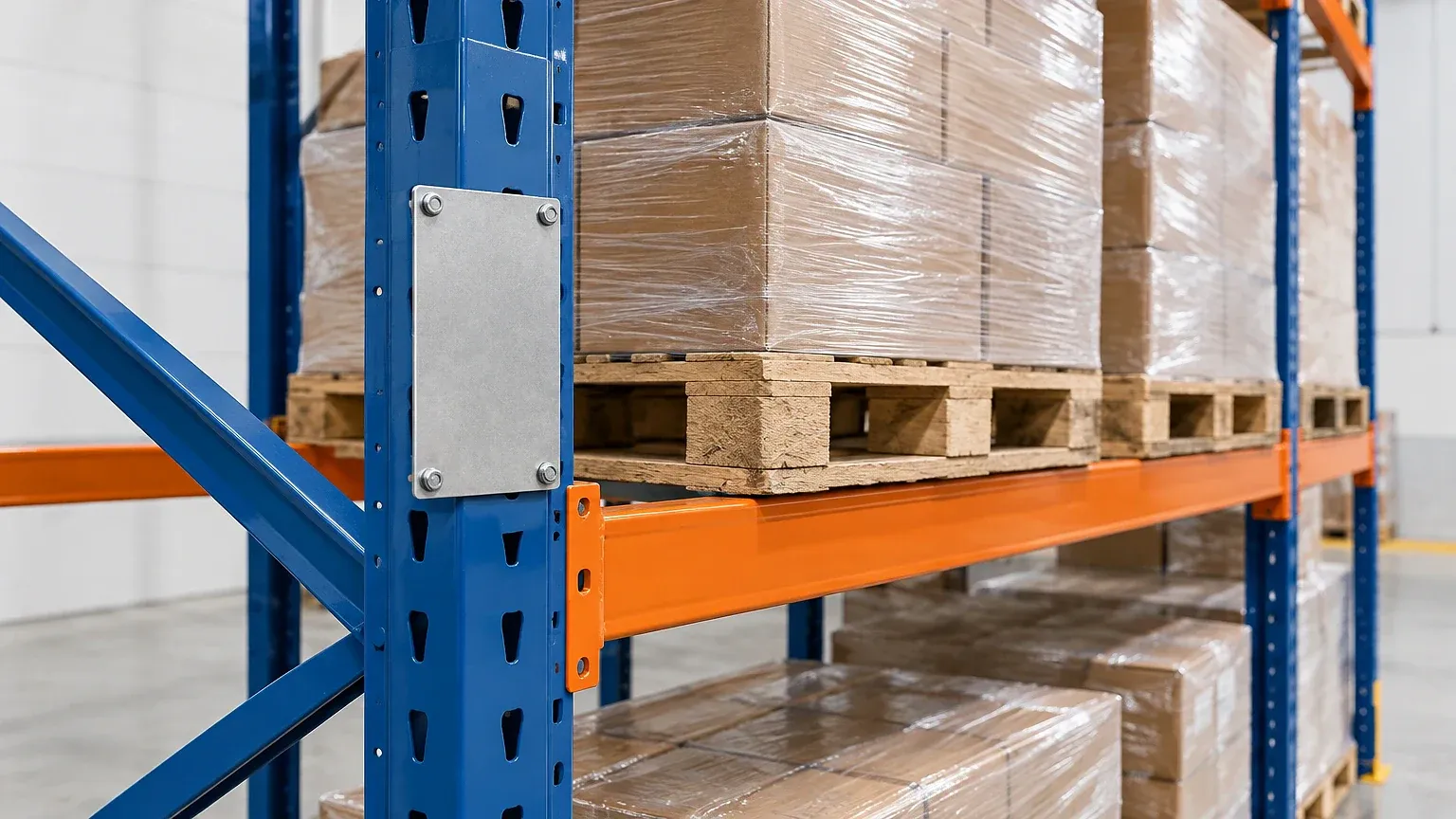
Selective pallet racking, the most common type, typically holds 2,000-5,000 lbs per pallet position depending on beam gauge and upright spacing. Drive-in racking, used for high-density bulk storage, usually rates lower per position, often 1,500-3,000 lbs, because of the reduced beam support. Push-back racking sits in a similar range but trades some density for easier access, typically two to five pallets deep per lane.
Cantilever racking, built for long items like lumber or pipe, is rated per arm rather than per shelf, commonly 1,000-3,000 lbs per arm pair. Mezzanine platforms supporting pick modules need engineered load ratings too, usually 125 lbs per square foot for standard storage use, higher for equipment loads.
Check your rack’s load plaque matches current beam and upright configuration before you add automation on top of it. A shuttle system or conveyor bolted into racking rated for different loads is a liability, not an upgrade.
Robotics and AS/RS: When the Math Works
Robotics pay off at volume, not at ambition. A facility running under 1,000 orders a day rarely clears the ROI bar on AMRs or ASRS. The fixed cost of integration, site surveys, WMS middleware, facility downtime during install, doesn’t shrink just because your order count is small.
Where it does work: high-SKU-count operations with tight labor markets and rising rent per square foot. ASRS systems let you go vertical, often 40+ feet, which matters more in markets where land costs keep climbing. A facility that doubles storage density in the same footprint is solving a real estate problem, not just a labor problem.
AMRs work best in facilities with inconsistent order profiles, where today’s batch looks nothing like tomorrow’s. Fixed conveyor automation struggles with that variability. Robots that reroute dynamically through software don’t.
The honest failure mode: operations that buy robotics to fix a slotting or demand-forecasting problem. The robot just moves the chaos faster. Fix your data and your layout first. Then automate.
Choosing the Right Automation Mix for Your Facility
Three quick questions settle most of the equipment-vs-software debate before you call a single vendor.
How many orders do you ship daily? Under 2,000 orders a day, focus budget on WMS optimization and maybe pick-to-light. Above 10,000 orders daily, start pricing AMRs or conveyor sortation seriously.
What’s your SKU velocity spread? If 20% of SKUs drive 80% of picks (the usual Pareto split in retail and ecommerce), slot those fast movers close to pack stations before investing in robotics to compensate for bad layout.
What’s your labor market like locally? Markets with sub-4% unemployment and high turnover justify automation faster than markets with stable, available labor. Robotics reduces headcount dependency, it doesn’t eliminate the need for skilled floor supervisors.
Run those three questions against your own numbers before any vendor conversation. It reframes the sales pitch into a budget conversation you control.
Getting Automation Right: Final Checks
Warehouse automation solutions work when they solve a measured problem, not when they chase a trend. The sequence matters: fix your WMS and slotting logic first, then layer in picking equipment, then consider robotics or ASRS if volume justifies the capital. Skip a step and you’re automating a broken process.
Pricing ranges widely by tier, from a few thousand dollars for a small WMS license to seven figures for a full ASRS installation with integration. The right number depends on your order volume, SKU count, and labor market, not on what a vendor’s case study promised another company. Always confirm current pricing directly with the vendor before budgeting.
Start with the data. Pull your pick rates, your inventory accuracy numbers, your labor cost per order. Those figures tell you which automation tier you’re actually ready for, long before any equipment demo does.
Frequently asked questions
What is the typical ROI timeframe for warehouse automation?
Software automation like WMS upgrades often shows payback within 6-12 months through accuracy and labor gains. Equipment like AMRs or ASRS typically needs 18-36 months, depending on order volume and labor savings. Facilities under 1,000 orders a day rarely hit a fast payback on heavy robotics.
How much does a warehouse management system cost?
Entry-level WMS platforms for small operations start around $4,000-$10,000 for licensing plus hosting. Mid-market subscription WMS platforms run monthly per-user or per-order fees. Enterprise systems from vendors like Manhattan Associates or Körber are quote-based and often reach six figures annually once implementation is included.
What inventory accuracy rate should a warehouse target?
A well-run WMS with regular cycle counting should hit around 99.5% inventory accuracy. Daily counts on fast-moving A-items and weekly counts on slower movers get you there faster than relying on annual physical inventories alone.
Do small warehouses need robotics or just better software?
Most warehouses under 2,000 orders a day get more value from WMS optimization, better slotting, and pick-to-light systems than from robotics. Robotics and ASRS typically only pay off once order volume, SKU density, or labor costs cross a certain threshold.
What’s the difference between AMRs and traditional conveyor automation?
AMRs navigate dynamically and adapt to changing order profiles, while conveyors follow fixed paths and work best with consistent, predictable flow. AMRs suit variable order mixes; conveyors suit high-volume, repetitive sortation tasks like parcel sorting at a distribution hub.
Automation only works on clean inventory data, so start with our guide to warehouse inventory management software.