Do you really need a robot fleet to fix a slow warehouse? Usually not. In practice, most sites get more from tightening slotting and scanning than from heavy warehouse automation systems.
Warehouse automation systems are the equipment and software that move, store, count or sort stock with less manual handling. This guide covers the main types, capacities, software and honest buying triggers.
Start With the Problem, Not the Machine
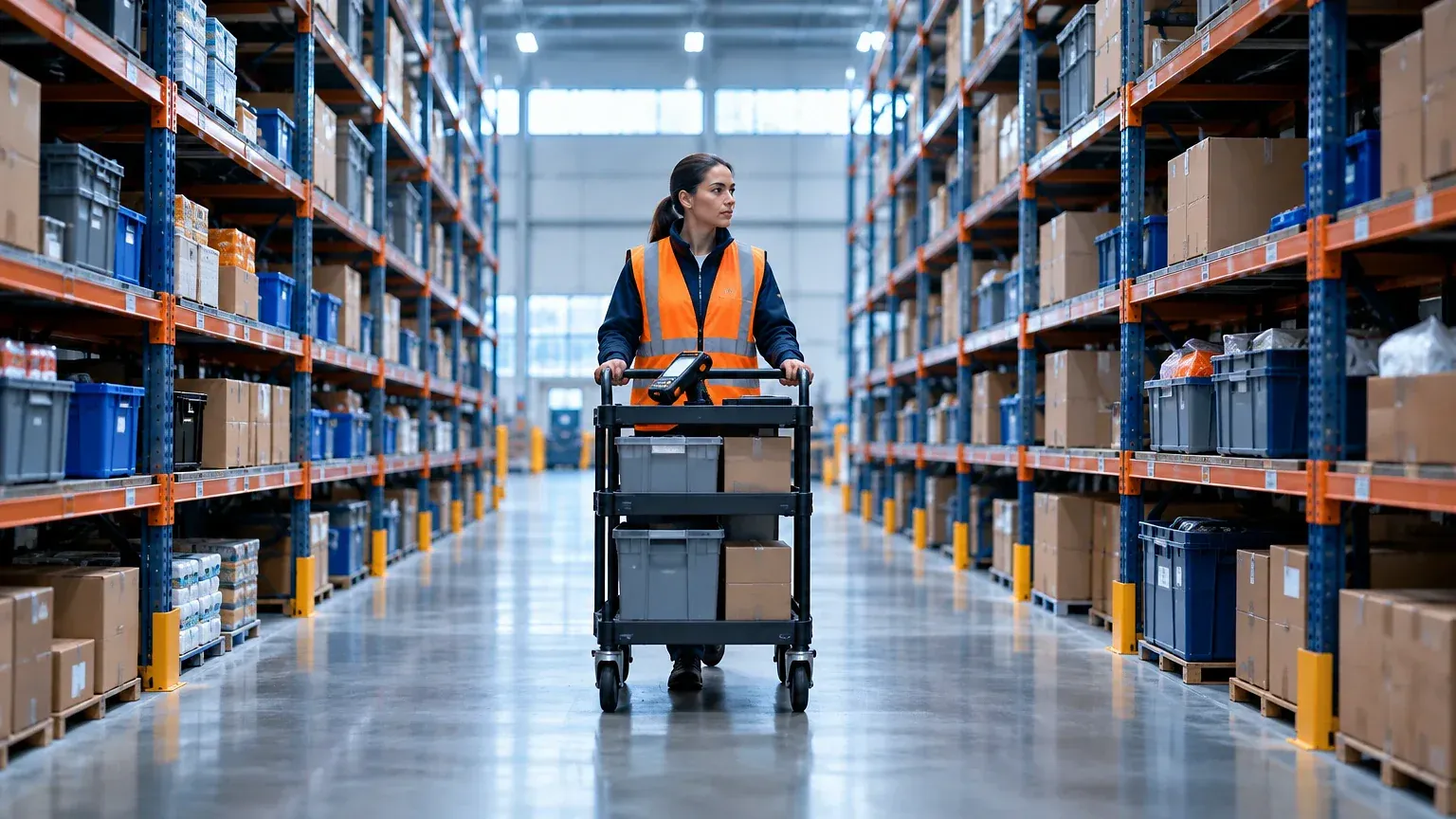
For example, picture a 40,000 sq ft ecommerce site. Pickers walk 8 to 10 miles a shift. Pick rates sit near 70 lines an hour. So the manager asks for robots. In reality, the real leak is a poor slot layout.
Before you spend, measure four numbers:
- Lines picked per labour hour
- Inventory accuracy (aim for 99%+)
- Order cycle time, dock to dock
- Error rate per 1,000 orders
If walking eats half the shift, fix slotting first. As a first step, move fast movers to the golden zone between knee and shoulder height. That costs nothing.
If accuracy is below 97%, buy barcode scanning before anything mechanical. After all, automation multiplies whatever process you feed it, good or bad. As a result, a broken process runs faster and fails bigger.
Conveyors, Sorters and Goods-to-Person Equipment
In general, equipment choice depends on volume and item profile. Here is what each option handles and when it fits.
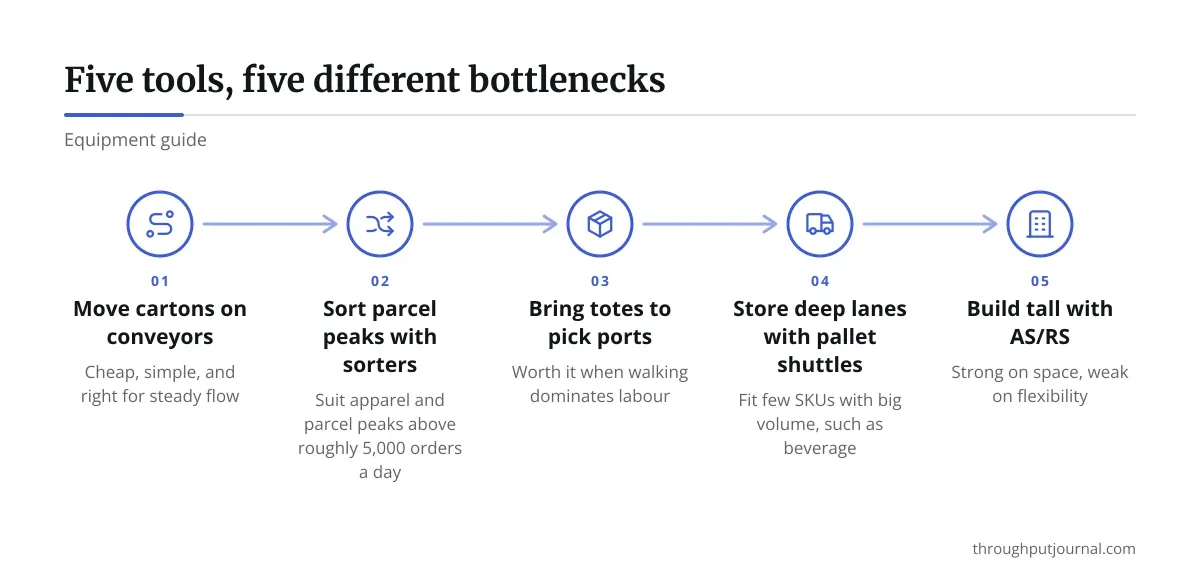
- Roller and belt conveyors: Move cartons between zones. Cheap, simple, and right for steady flow. Typical rated loads run 50 to 150 lb per linear foot.
- Pouch and tilt-tray sorters: Sort 4,000 to 12,000 items an hour. They suit apparel and parcel peaks, but only above roughly 5,000 orders a day.
- Goods-to-person shuttles: Bring totes to a fixed pick port. By comparison, ports hit 400 to 600 lines an hour versus about 70 manually. Worth it when walking dominates labour.
- Pallet shuttles: Store deep lanes at high density. They fit few SKUs with big volume, such as beverage.
- Automated storage and retrieval systems (AS/RS): Cranes run in tall aisles up to 100 feet. Strong on space, yet weak on flexibility. Therefore, plan a 10 to 15 year horizon.
In short, pick the simplest tier that clears your bottleneck.
Autonomous Mobile Robots vs. Fixed Automation
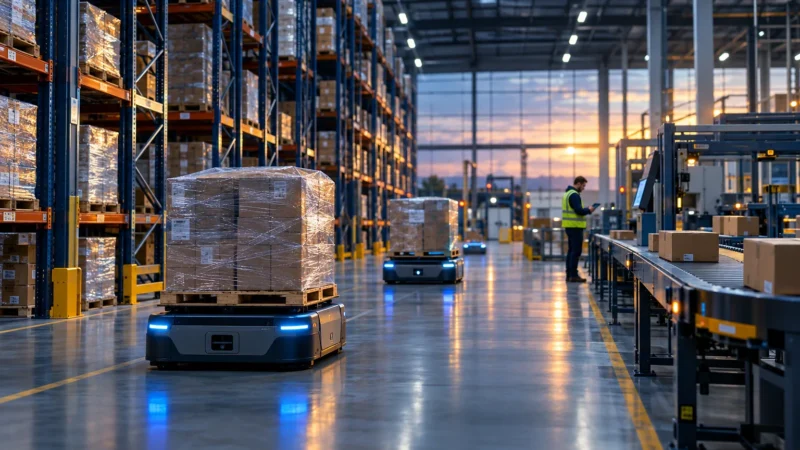
Think of a 3PL with 12 clients and wildly mixed SKUs. Fixed systems would choke on that variety. Autonomous mobile robots (AMRs) fit better.
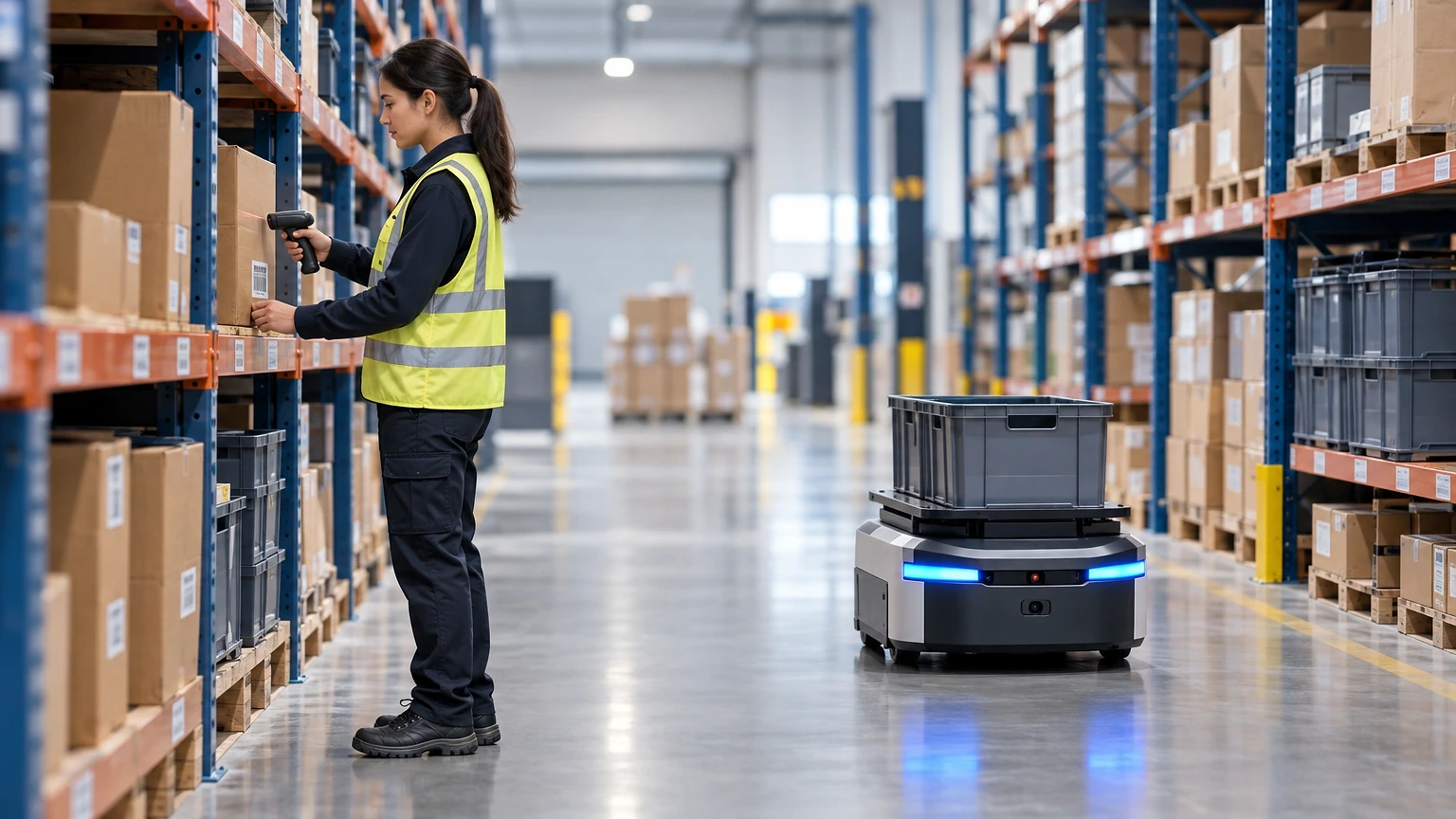
AMRs navigate with onboard sensors and need no floor tape or guide wire. Vendors such as Locus Robotics and 6 River Systems sell collaborative picking robots. Pickers stay in their zones. The robot carries the tote and the walking disappears.
Reported gains vary by site and slotting. Many operators see pick rates rise 2x to 3x, but treat vendor claims as best cases and ask for a reference site with your order profile.
Fixed automation wins on throughput per square foot. AMRs win on flexibility and speed to deploy. Most AMR rollouts go live in weeks. A shuttle or AS/RS project takes 9 to 18 months.
Robots-as-a-service pricing lets you scale for peak without owning the fleet. You pay per robot, per month, and return units after season. For seasonal ecommerce, that often beats a capital purchase.
Software: The Layer That Makes Warehouse Automation Systems Work
Hardware without control software is just expensive furniture. Two layers matter here. A warehouse management system (WMS) tracks inventory and directs tasks. A warehouse control system (WCS) tells conveyors and sorters what to do in real time.
Here is how popular options compare on pricing model and fit.
| Software | Best for | Pricing model |
|---|---|---|
| Manhattan Active WM | Large, complex networks | Quote-based subscription |
| Körber WMS | Mid to large, multi-site | Quote-based |
| NetSuite WMS | Existing NetSuite users | Per-user add-on |
| Fishbowl | Small to mid-size, QuickBooks users | Per-user licence |
| Extensiv (3PL Warehouse Manager) | 3PLs billing multiple clients | Tiered monthly plans |
For instance, small operators can start with Fishbowl, which publishes its pricing. By contrast, large sites usually negotiate. A fair WMS project budgets for integration, training and testing, not only the licence. In addition, expect implementation to cost as much as the software in year one.
Also, ask every vendor one question: how does your system talk to the equipment I plan to buy? In fact, integration gaps sink more projects than the machines do.
Are Warehouse Automation Systems Worth It? Running the Payback Math
Q: How do you test whether a project pays back?
A: Use your own numbers, not the brochure. Then take current labour hours per 1,000 lines. Estimate hours after automation, using a cautious figure. Multiply the saved hours by your loaded hourly cost.
Say you save 6 labour hours a day at $24 loaded. That is about $144 daily, or roughly $37,000 over 260 days. A $400,000 system then needs nearly 11 years to pay back on labour alone. That fails.
Add other value honestly:
- Fewer mis-picks and refunds
- Higher capacity without a bigger building
- Less overtime in peak weeks
- Lower injury claims from heavy lifting
If payback stretches beyond 3 to 5 years, look for a smaller step. A warehouse automation solution that targets one bottleneck often beats a full overhaul. Therefore, run the numbers twice, once optimistic and once cautious. Commit only if the cautious case still works.
Rolling Out Warehouse Automation Systems Without Wrecking Shipping
Above all, plan a rollout around a real shift pattern. One distribution centre ran new shuttles in parallel with manual picking for six weeks. Orders kept shipping while staff trained on live tasks.
Follow a short sequence. First, map current flows and fix obvious waste. Then pilot in one zone with one product family. Train supervisors first, since they solve problems on the floor. Set go-live dates away from peak, ideally January to March for retail.
Keep a manual fallback for every automated process. Power cuts, sensor faults and software bugs happen. A site with no fallback stops shipping when the system does.
Track the same four metrics from the start of this guide. Review them weekly for the first quarter. If they have not moved after 90 days, find out why before adding more equipment.
Choosing Your Starting Point
In the end, warehouse automation systems reward patience. Fix the process, measure honestly, then buy the lightest tool that clears your actual bottleneck.
For most mid-size operations, that means scanning and a solid WMS first. After that, AMRs or conveyors come next. Heavy fixed systems come last, once volumes justify the commitment.
Finally, revisit the numbers each year. Order mix shifts, labour costs move and technology gets cheaper. In other words, what was wrong for you two years ago may fit today.
Frequently asked questions
What are warehouse automation systems?
They are hardware and software that reduce manual handling in storage, picking, sorting and tracking. Examples include conveyors, shuttles, AMRs and a WMS.
How much do warehouse automation systems cost?
It varies widely. A small WMS can run from a few hundred dollars a month, while AS/RS projects reach well into seven figures. Get quotes based on your volumes.
Do small warehouses need automation?
Not always. Barcode scanning, better slotting and a basic WMS often deliver most of the gain. Add robots only when walking time stays high.
How long does implementation take?
AMRs can go live in weeks. WMS projects usually take three to six months. Large AS/RS builds run a year or more.
What is the biggest mistake buyers make?
Automating a messy process. Clean up layout, data and workflows first, then pick equipment to match the real bottleneck.