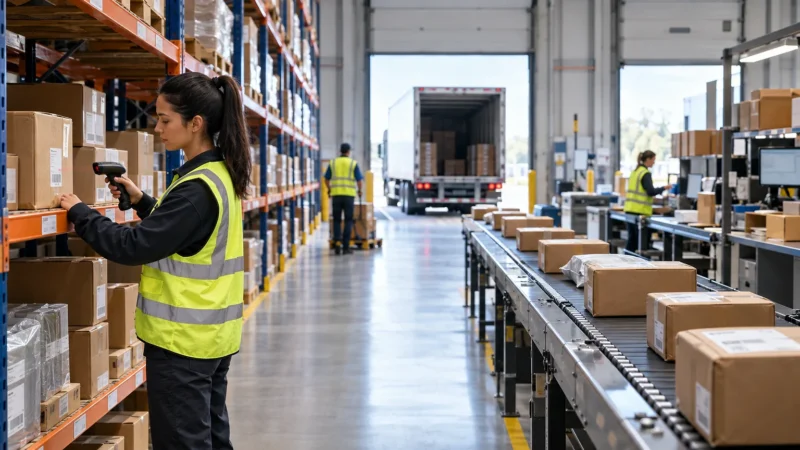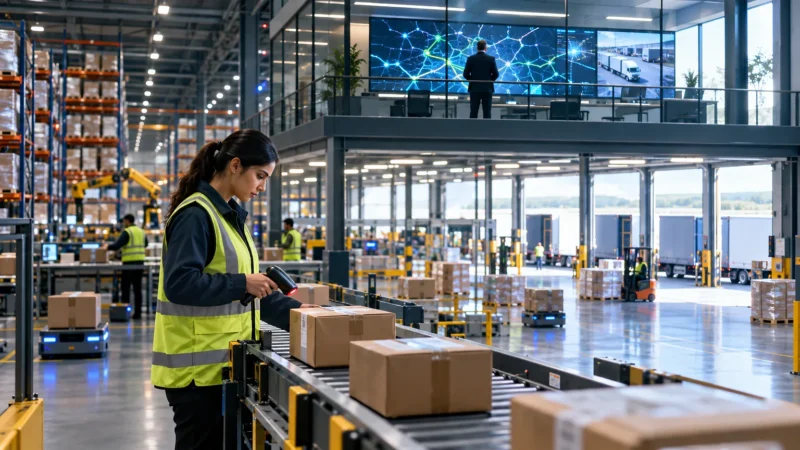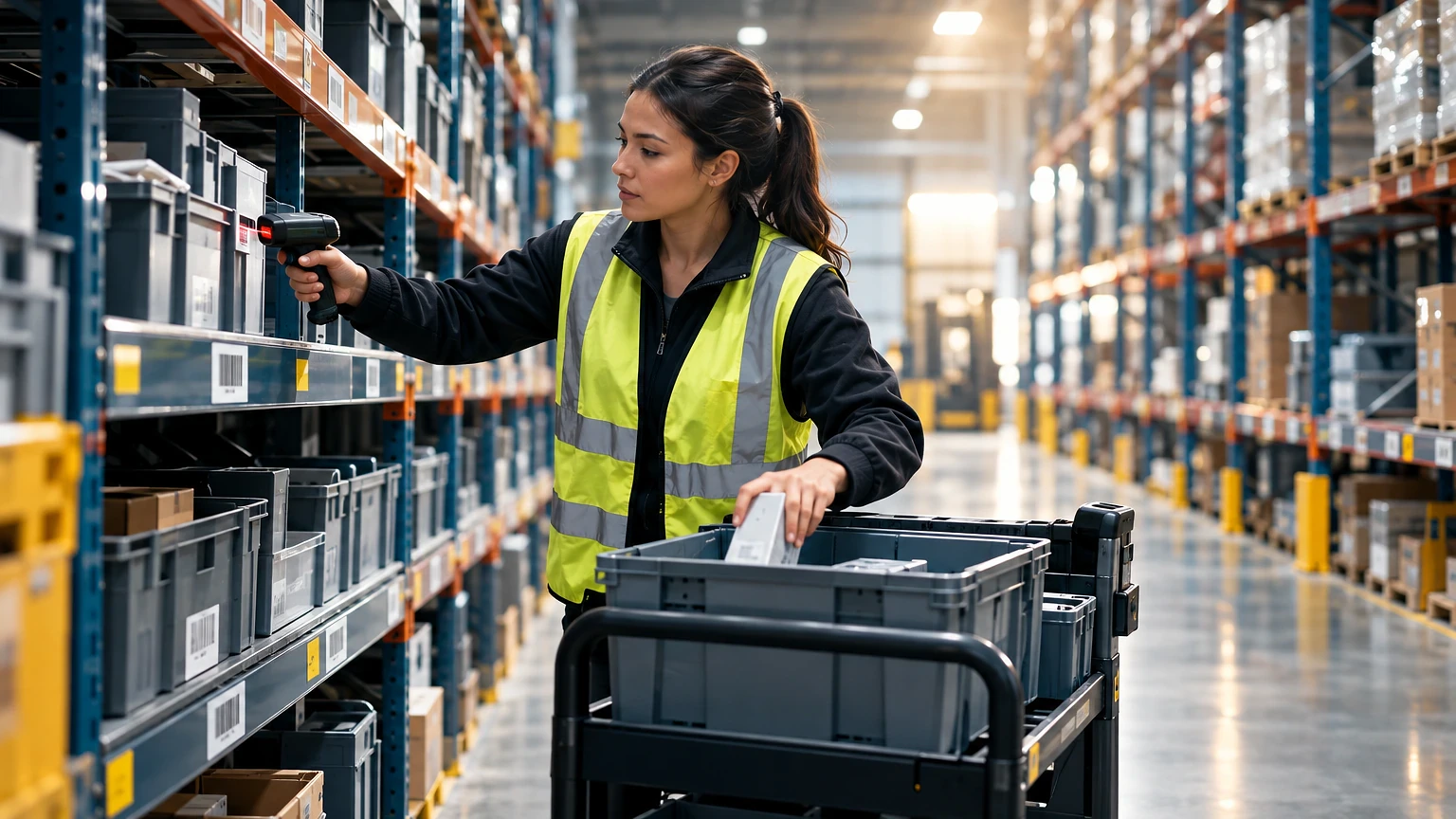
Is order picking really the thing slowing down your warehouse, or is that just an easy excuse? In most operations, it genuinely is the bottleneck. Picking eats up roughly 55% of total warehouse labor cost, more than receiving, putaway, and shipping combined, according to industry benchmarks tracked for decades by MHI.
That’s not a reason to panic. It’s a reason to get specific about method, layout, and equipment before you throw more headcount at the problem.
What Order Picking Actually Means
Order picking is the process of retrieving specific items from storage to fulfill a customer or production order. It sits between inventory storage and packing on the fulfillment line, and it’s usually the single most labor-intensive step in a distribution center.
Definition: Order picking is the warehouse operation of locating, selecting, and moving SKUs from storage locations to a consolidation point based on order demand, typically measured in lines picked per hour or units picked per hour.
A picker walking a traditional aisle layout spends a large chunk of their shift just traveling, not picking. Studies cited by MHI and multiple WMS vendors put travel time at well over half of a picker’s day in poorly slotted warehouses. That number alone tells you where most of the fix lives: not in hiring faster people, but in shortening the walk and tightening the slotting.
Pick accuracy matters just as much as speed. A warehouse running manual paper picking typically sees accuracy in the 97-98% range. Add barcode scanning and that climbs to 99.5%+ pretty reliably. Voice picking and pick-to-light systems push it higher still, often above 99.9%, because the error gets caught before the item leaves the slot.
Order Picking Methods: Pick Your Fight
There’s no single “best” method. The right one depends on order profile, SKU count, and how many lines you ship a day. Here are the six methods every ops manager should know cold.
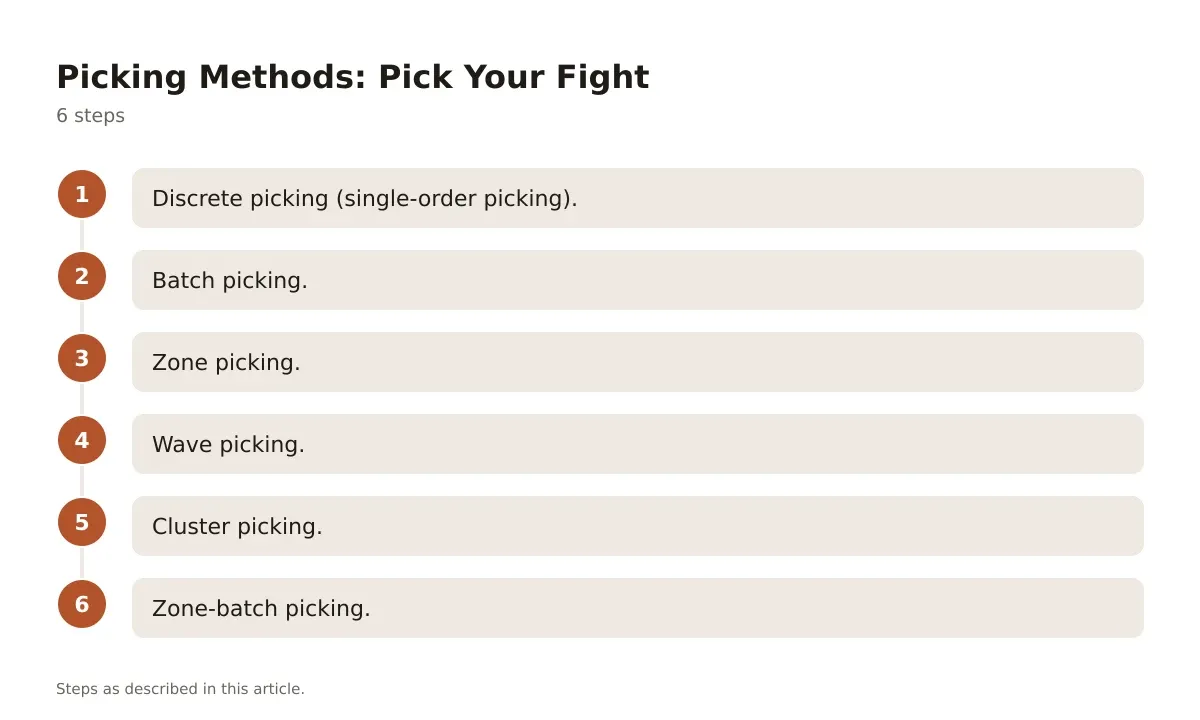
- Discrete picking (single-order picking). One picker, one order, start to finish. Simple to train, easy to audit, but travel-heavy. Works fine under 100 orders a day or for high-value, low-volume B2B shipments.
- Batch picking. One picker collects items for multiple orders in a single pass, sorting at the end or using a cart with order-specific totes. Cuts travel time dramatically for ecommerce operations with many small orders sharing SKUs.
- Zone picking. Pickers are assigned fixed zones and only pick items within that zone, passing the order along (pick-and-pass) or consolidating downstream. Good fit for large footprints where travel between zones would kill productivity.
- Wave picking. Orders are released in scheduled waves tied to shipping cutoffs or truck departures. Common in operations syncing picking with outbound carrier pickups.
- Cluster picking. A hybrid of batch and zone, where a picker uses a multi-tote cart to fill several orders simultaneously within one zone. Popular in mid-size ecommerce DCs using carts with 4-12 totes.
- Zone-batch picking. Combines zone assignments with batching multiple orders per zone pass, then merges at a central sortation point. This is where high-volume operations land once they outgrow simple batch picking.
Most warehouses don’t pick one method and stick with it forever. They blend zone and batch picking depending on order profile, running batch picking for small ecommerce parcels and discrete picking for freight pallets going to one customer.
Order Picking Equipment and When to Use Each Option
Equipment choice drives pick rate more than almost anything else on the floor. A picker walking a cart through narrow aisles tops out around 60-80 lines per hour. Add the right equipment and that number moves fast.
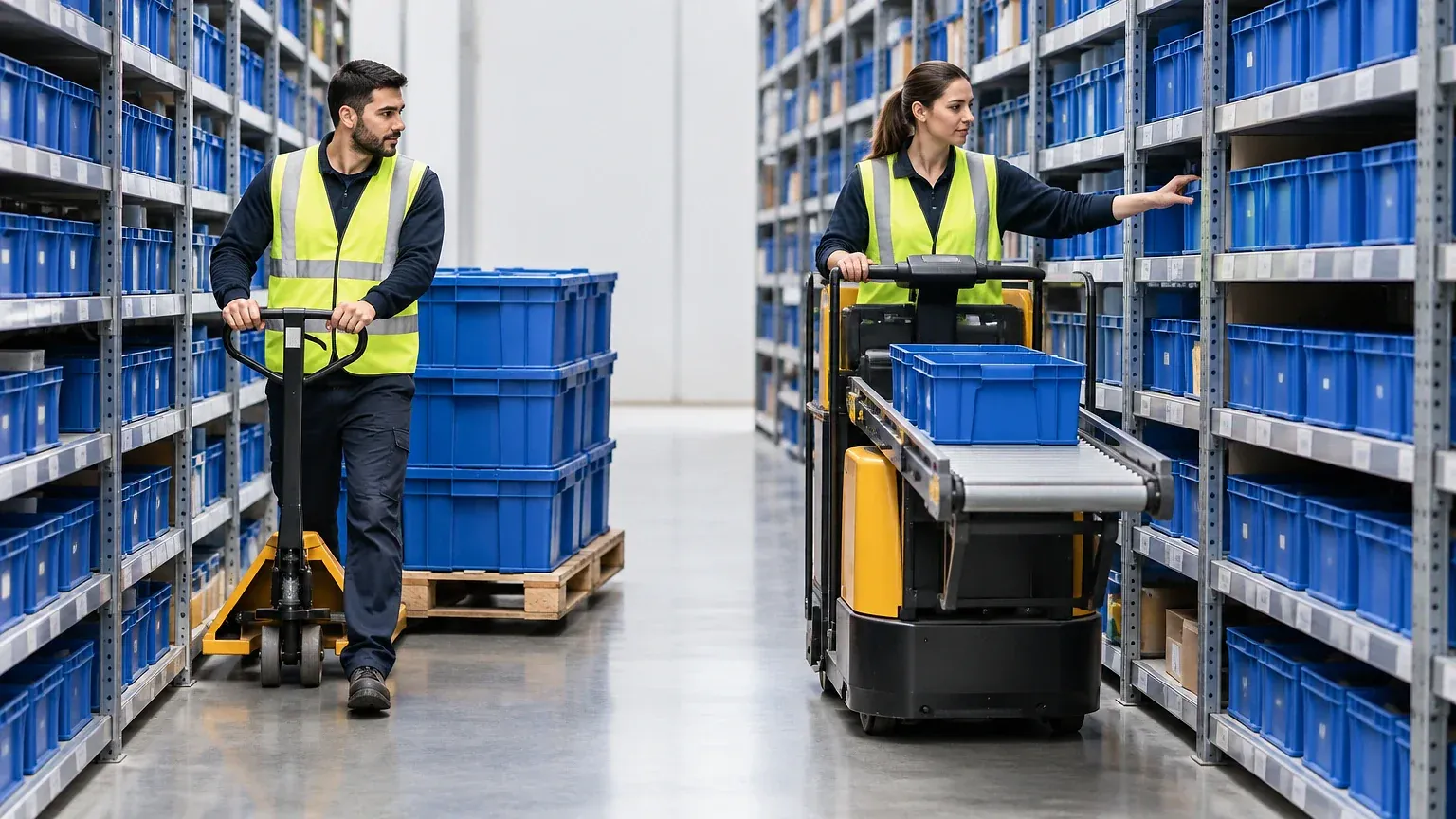
Pallet jacks and hand carts remain the default for low-SKU, high-unit picking, think case picking for grocery or industrial distribution. They’re cheap, need no charging infrastructure, and work in any aisle width. But they cap your throughput hard once order volume climbs.
Order picker forklifts change the math for split-case and each-picking operations with inventory stored above ground level. These lift the operator to the pick face instead of making them climb a ladder, and a good order picker forklift buying guide will walk you through capacity ranges, typically 1,500 to 4,500 lbs depending on class, and mast height options up to 30 feet for high-bay racking.
Pick-to-light systems mount LED indicators at each slot that light up to show quantity and location, cutting pick time per line to a few seconds and pushing accuracy north of 99.9%. Installation costs run high per slot, so these pay off in high-velocity zones with stable SKU assignments, not slow-moving long-tail inventory.
Voice picking headsets let pickers work hands-free, confirming each pick verbally against the WMS. Throughput gains of 10-20% over paper picking are common, and accuracy improves because the system catches mismatched SKUs in real time.
Automated storage and retrieval systems (AS/RS) and goods-to-person robotics, think Kiva-style pod systems, bring the inventory to the picker instead of sending the picker to the aisle. These cut travel time to near zero but require serious capital, often six or seven figures depending on scale, and make sense once you’re moving tens of thousands of lines a day.
Order Picking Rates: How Fast Should Your Pickers Be Moving
This is the question every ops manager asks and almost nobody benchmarks correctly, because “pick rate” without context is meaningless.
A single-item, discrete pick in a dense, well-slotted zone should run 100-150 lines per hour per picker. Batch picking in ecommerce fulfillment, where a picker grabs several SKUs per stop across multiple orders, commonly hits 150-250 lines per hour. Case picking with a pallet jack in a grocery DC might only hit 60-90 cases per hour, but each case contains many units, so measure in units per hour too, not just lines.
Packing belongs in the same measurement. Our guide to pick and pack treats both halves as one flow through the building. Splitting the metrics hides where the real delay sits.
If your numbers sit well under these ranges, don’t assume your team is slow. Check slotting first. Fast movers stuck in the back corner of a zone will tank every metric you track.
Fixing Slotting and Layout Before You Buy New Tech
Most warehouses chase software or automation before fixing the layout underneath it, and that’s backwards.
Start with an ABC analysis. Pull 90 days of pick data and rank SKUs by pick frequency. The top 20% of SKUs, your “A” items, usually account for 70-80% of total picks. Those need to sit in the golden zone, waist to shoulder height, closest to the pack-out area.
Walk a slow zone yourself before changing anything. If pickers are backtracking, crossing their own path, or waiting at a congested aisle, you’ll see it in five minutes on the floor. No dashboard shows you that as clearly as watching one cycle in person.
Re-slot in phases, not all at once. Moving every SKU in a weekend sounds efficient, but it guarantees chaos during the transition and tanks accuracy for days. Move the top 50 SKUs first, measure the pick rate change over a week, then expand.
Racking load capacity matters here too. Standard selective pallet racking typically holds 2,000-5,500 lbs per beam level depending on gauge and span, but golden-zone shelving for each-picking is usually lighter-duty, carton flow or static shelving rated closer to 400-800 lbs per shelf. Overloading that shelving to cram in more SKU facings is a common and dangerous shortcut.
Order Picking Software Compared
A warehouse management system (WMS) is what actually executes your picking method, routes your pickers, and tracks accuracy. Picking the wrong one either underpowers a growing operation or buries a small one in features it’ll never touch.
| Software | Best For | Picking Features | Pricing Model |
|---|---|---|---|
| Fishbowl | Small-to-mid warehouses, QuickBooks users | Pick lists, basic batch picking, barcode scanning | Flat license fee, one-time or annual |
| NetSuite WMS | Mid-market, multi-location ops | Wave, zone, cluster picking; directed putaway | Subscription, quote-based per module |
| Manhattan Associates | Large enterprise DCs, 3PLs | Advanced slotting, labor management, voice integration | Enterprise quote, typically six figures annually |
| SkuVault | Ecommerce multichannel sellers | Batch picking, pick-by-light integration, order syncing | Subscription tiers by order volume |
| ShipHero | DTC ecommerce, 3PL fulfillment | Mobile batch picking, wave planning, built-in shipping | Subscription, tiered by shipment volume |
Don’t buy based on the feature list alone. Ask any vendor for a reference customer at your order volume and SKU count, then call them. A WMS that handles 500 orders a day gracefully can choke badly at 5,000 if the batching logic wasn’t built for that scale.
Quick Q&A: Picking Software Red Flags
Does the WMS support your picking method out of the box? If you need zone-batch picking and the vendor says it’s a “custom build,” budget extra implementation time and cost.
Can it integrate with your existing barcode scanners or voice hardware? Rip-and-replace hardware costs add up fast and often get left out of the initial quote.
What’s the real onboarding timeline? Vendors quote weeks; most mid-size implementations run two to four months once you count data migration and staff training.
Tightening Up a Picking Operation That’s Falling Behind
Order picking isn’t glamorous, but it’s where fulfillment speed and accuracy actually get decided. Every missed SLA, every mis-pick that turns into a return, traces back to a method, a layout, or a piece of equipment that doesn’t match your order profile anymore.
Get the ABC analysis done before you sign a WMS contract or buy a fleet of order pickers. Layout and slotting fixes are cheap and fast compared to automation, and they often close most of the gap on their own. Once the floor is right-sized, the equipment and software choices become obvious instead of guesswork.
If you’re still picking at volumes that strain your current method, revisit batch or zone-batch picking before assuming you need goods-to-person robotics. The jump in capital intensity between those two options is enormous, and plenty of operations never need to make it.
Frequently asked questions
What is the difference between order picking and order fulfillment?
Order picking is one step inside order fulfillment. Fulfillment covers the full cycle: receiving the order, picking, packing, shipping, and sometimes returns handling. Picking specifically refers to retrieving the right SKUs and quantities from storage.
What is a good pick rate for a warehouse?
It depends heavily on method and item type. Discrete picking typically runs 100-150 lines per hour, batch picking for ecommerce often hits 150-250 lines per hour, and case picking with a pallet jack sits around 60-90 cases per hour. Compare your numbers against your specific method, not an industry-wide average.
How does batch picking improve efficiency over discrete picking?
Batch picking lets one picker fulfill multiple orders in a single trip through the warehouse, cutting the total distance walked per order. For ecommerce operations shipping many small, overlapping-SKU orders, this often doubles throughput compared to picking one order at a time.
Do I need a WMS to run zone or batch picking?
You can run basic batch picking manually with printed pick lists and careful sorting, but it gets error-prone past a few dozen orders a day. A WMS automates batching logic, routes pickers efficiently, and tracks accuracy, which becomes necessary once volume grows past what a spreadsheet or paper system can handle.
What’s the fastest way to improve picking accuracy?
Add barcode scanning if you’re still on paper picking; it typically moves accuracy from around 97-98% to 99.5% or better. Beyond that, voice picking or pick-to-light systems close most of the remaining gap by confirming each pick in real time before the item leaves the slot.